
File Size = 256 KB
After you have download the file, double click on it to launch the winzip application. If the file has been downloaded correctly, you will see a list of files in it.
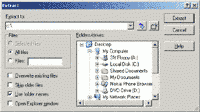
Click on the extract button, and you will be prompted for the location you want the files to be extracted. This could be any logical path but for the example here we can type C:
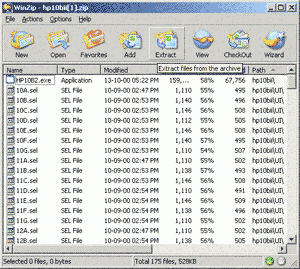
A folder C:hp10bii will be created. In it, there will be a folder name UI and a file name HP10B2.exe. Double click on the file name HP10B2.exe and the HP 10bii emulator program will start.